For Restaurants & Cafes — Free 14-Day Trial

Digital Menu Boards
Built in Minutes

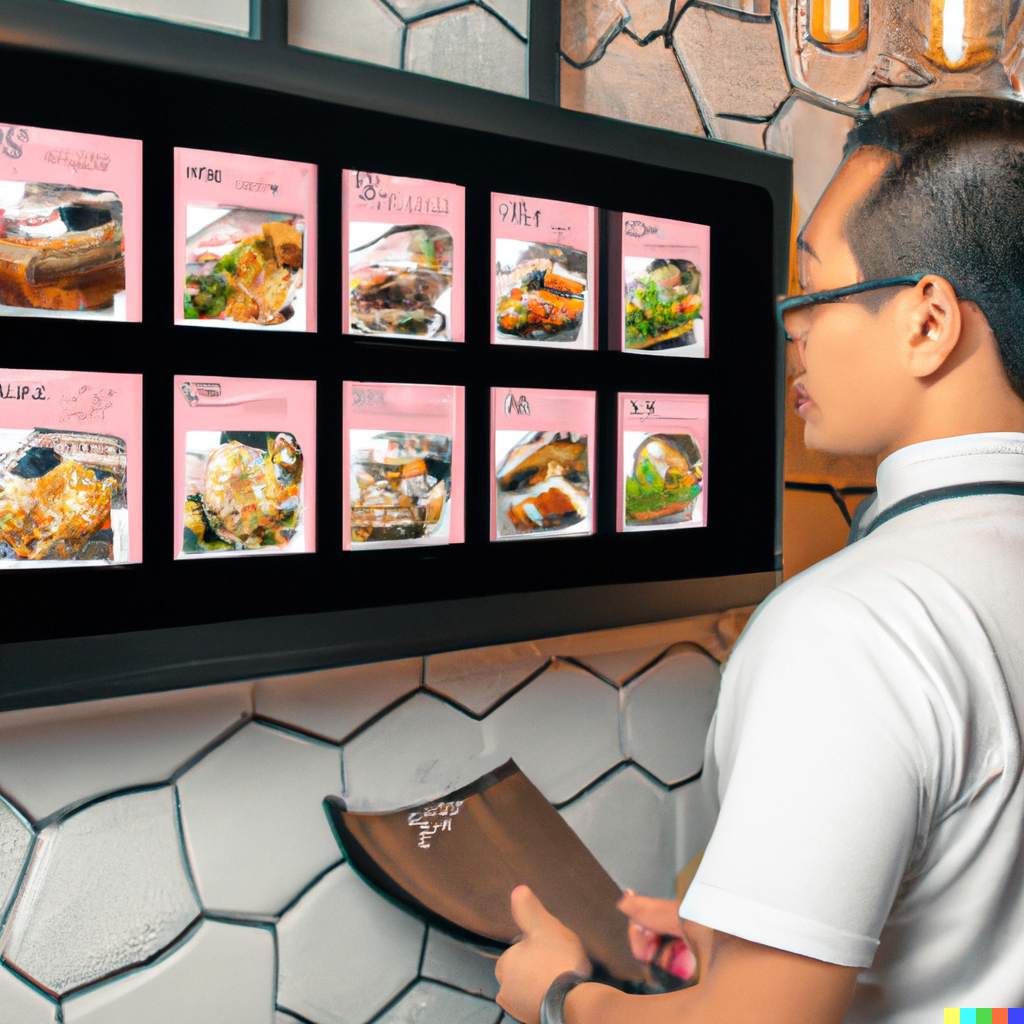
Done reprinting the menu every time a price moves? Build a sharp digital menu board, schedule daily specials, and change prices from your phone — all from one dashboard.

No credit card required · Cancel anytime

Why Restaurants Switch

Six headaches a digital menu kills

Printed menus bleed money on waste, missed upsells, and slow changes. Here’s what a digital board fixes.

Update prices in seconds

When your supplier bumps a price, edit once — no printing, laminating, or swapping boards. Every screen updates instantly.

Switch menus by daypart

Set breakfast, lunch, dinner, and happy hour to swap on their own. Your team never touches the screens.

Show off your food

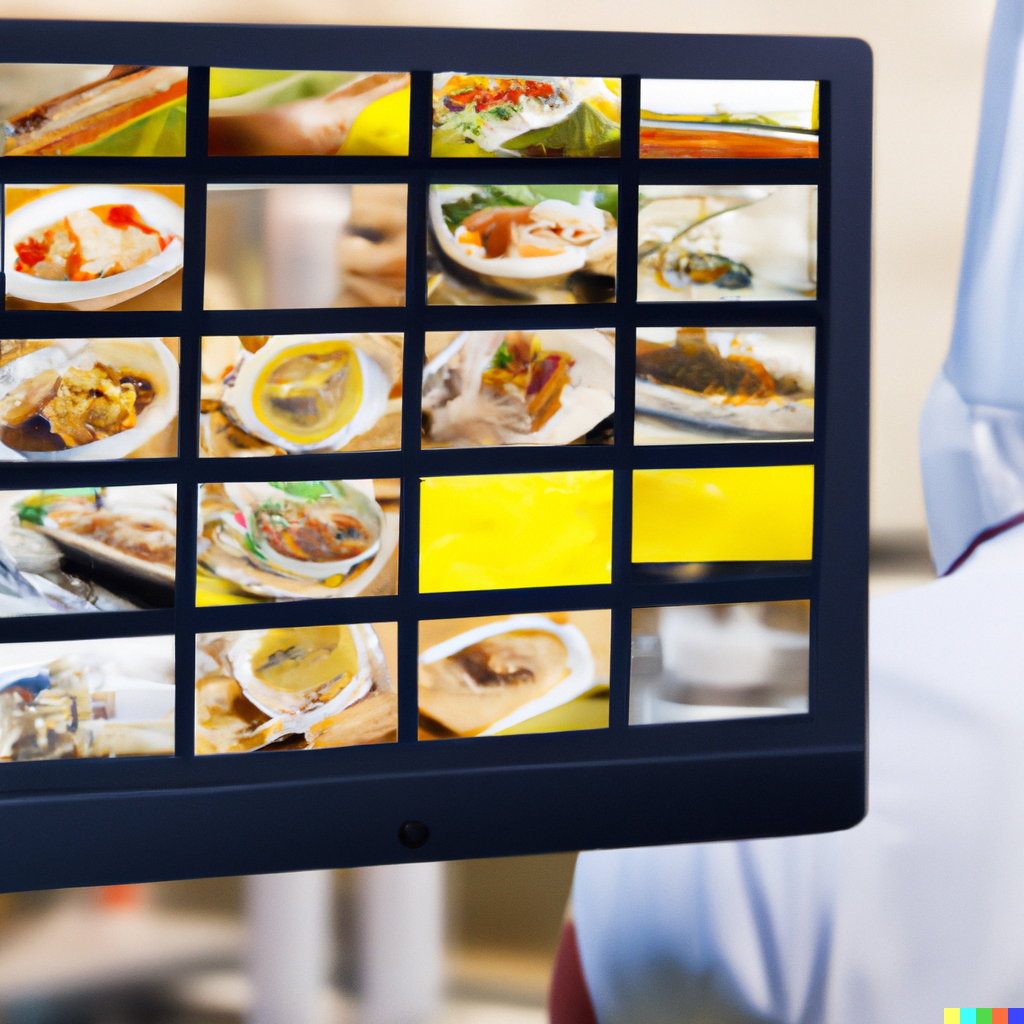
Sharp photos and short clips beat plain text every time — people order more when they can see the dish.

Push specials and promos

Flash a daily special, LTO, or holiday promo across every location from one dashboard — updated before the lunch rush.

Manage from anywhere

Edit from your phone, tablet, or laptop — at home, on vacation, or between locations, the dashboard comes with you.

Cut printing costs to zero

A single reprint runs $80–$300 per location. For most restaurants, a digital board pays for itself in the first month.

How It Works

Live in 4 Steps

Sign-up to menu-on-screen in under ten minutes. No installer, no IT team, no contracts.

01

Create a free account

Sign up at localbillboards.net — two weeks free, no card. You’re in the dashboard 30 seconds later.

02

Pick a menu style

Pick from 4 styles — Menu Basic, Menu Full, Classic, and Special. Each handles daypart switching, photos, animated images, and live pricing.

03

Fill in items, prices, and photos

Type your items, descriptions, and prices, then add your logo, dish photos, and brand colors. The editor lays it out for you — no design skills needed.

04

Connect your screen

Open localbillboards.net on your Smart TV, Firestick, Android TV box, or anything with a browser. Sign in. The menu shows up.

Templates

Four styles for any food concept

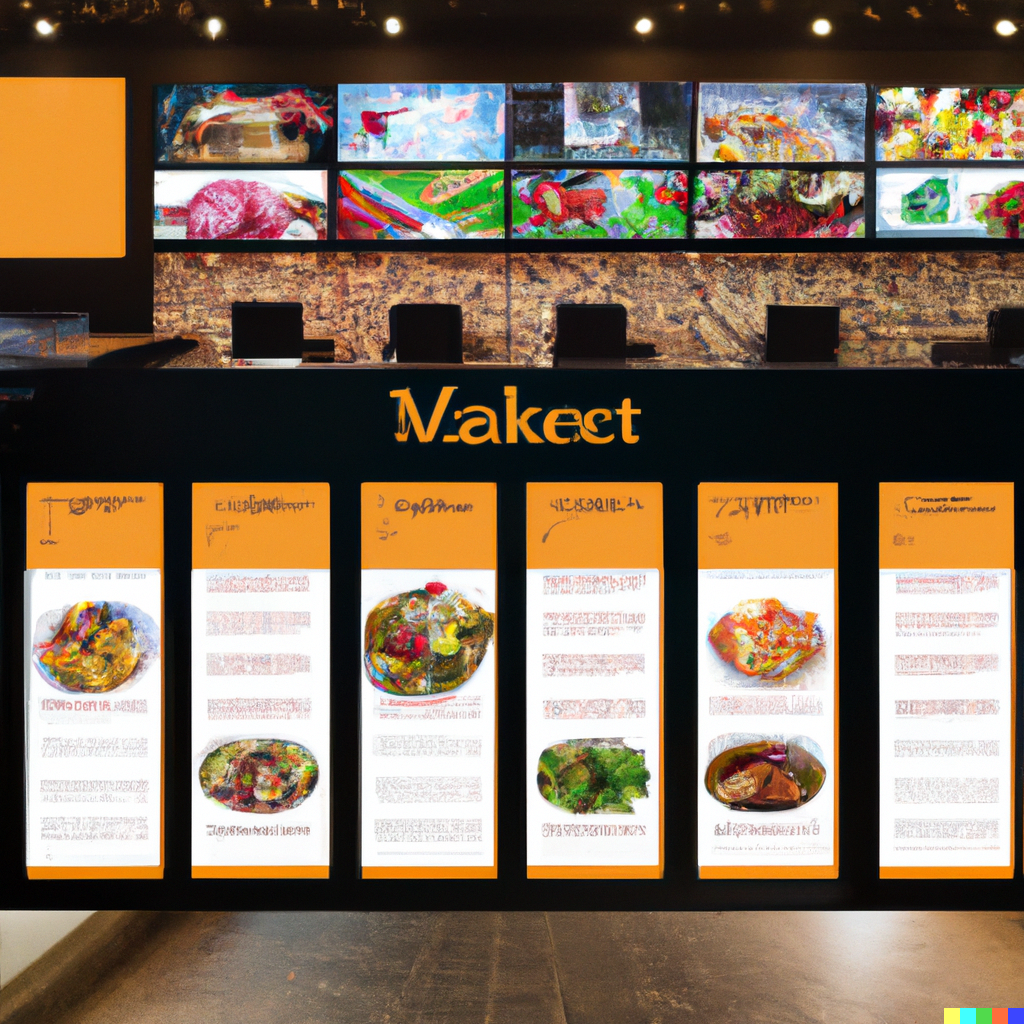
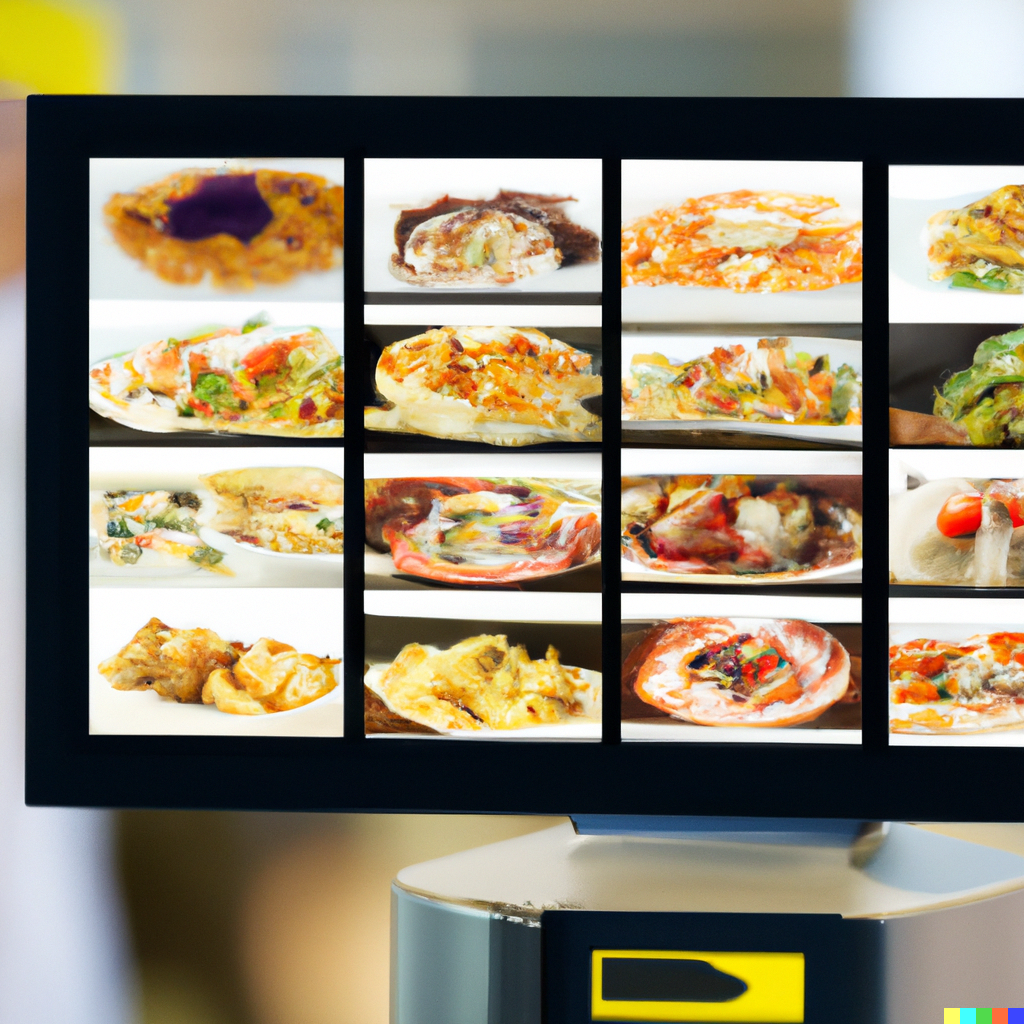
Each style bends to your concept — restaurant, cafe, drive-thru, pizzeria, food truck. Add photos, daypart scheduling, and animated specials.
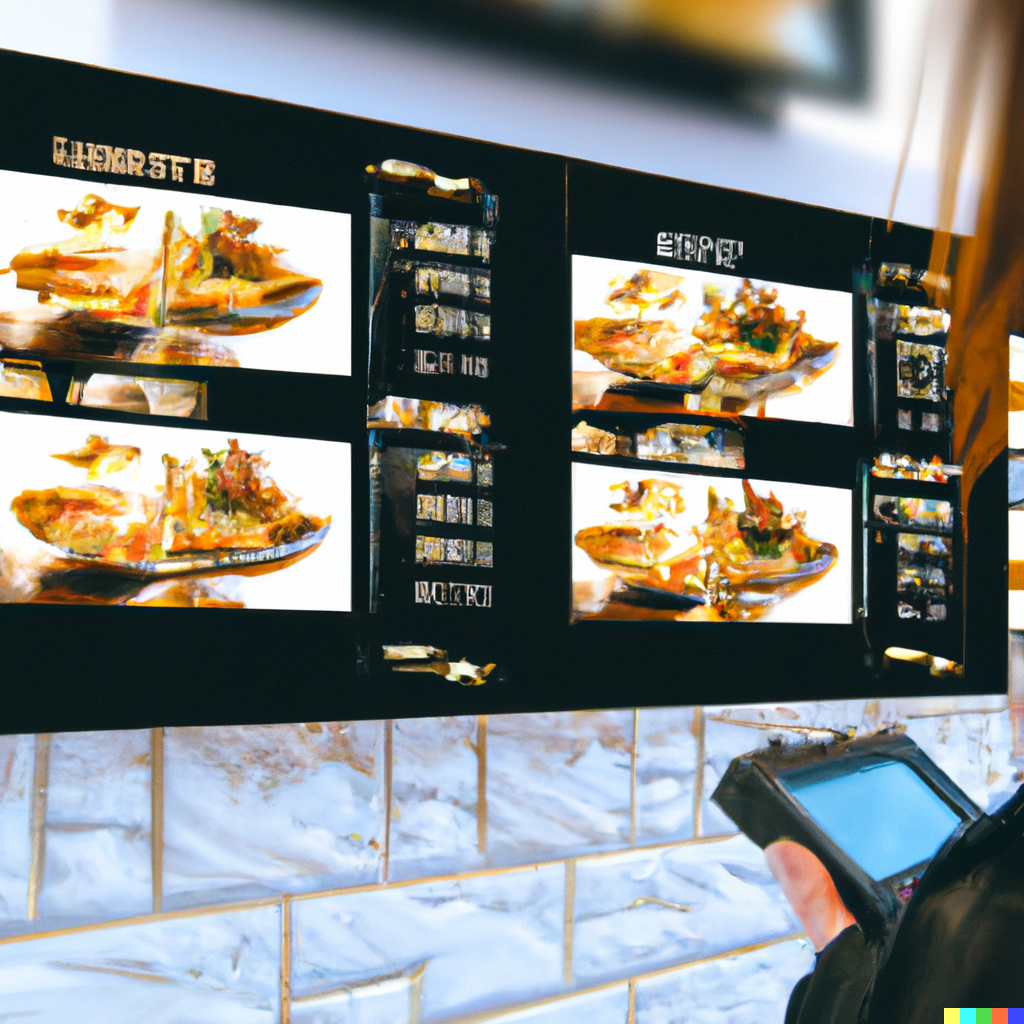
Classic restaurant menu board template

Classic Menu

Fast casual digital menu board template

Fast Casual

Cafe drinks menu board template

Cafe & Drinks

Drive-thru menu board template

Drive-Thru

Pizza shop menu board template

Pizza & Pies

Sushi and Asian cuisine menu board

Sushi & Asian

Daily specials menu board template

Daily Specials

Food truck menu board template

Food Truck

Hardware

Use the TV you already own

No proprietary boxes, no pricey media players. If your TV opens a web browser, your menu board is ready.

  • Any Smart TV — Samsung, LG, Sony, Vizio, TCL, and more
  • Amazon Firestick ($30) plugged into any HDMI TV
  • Android TV box for set-and-forget reliability
  • PC + monitor for back-of-house and counter setups
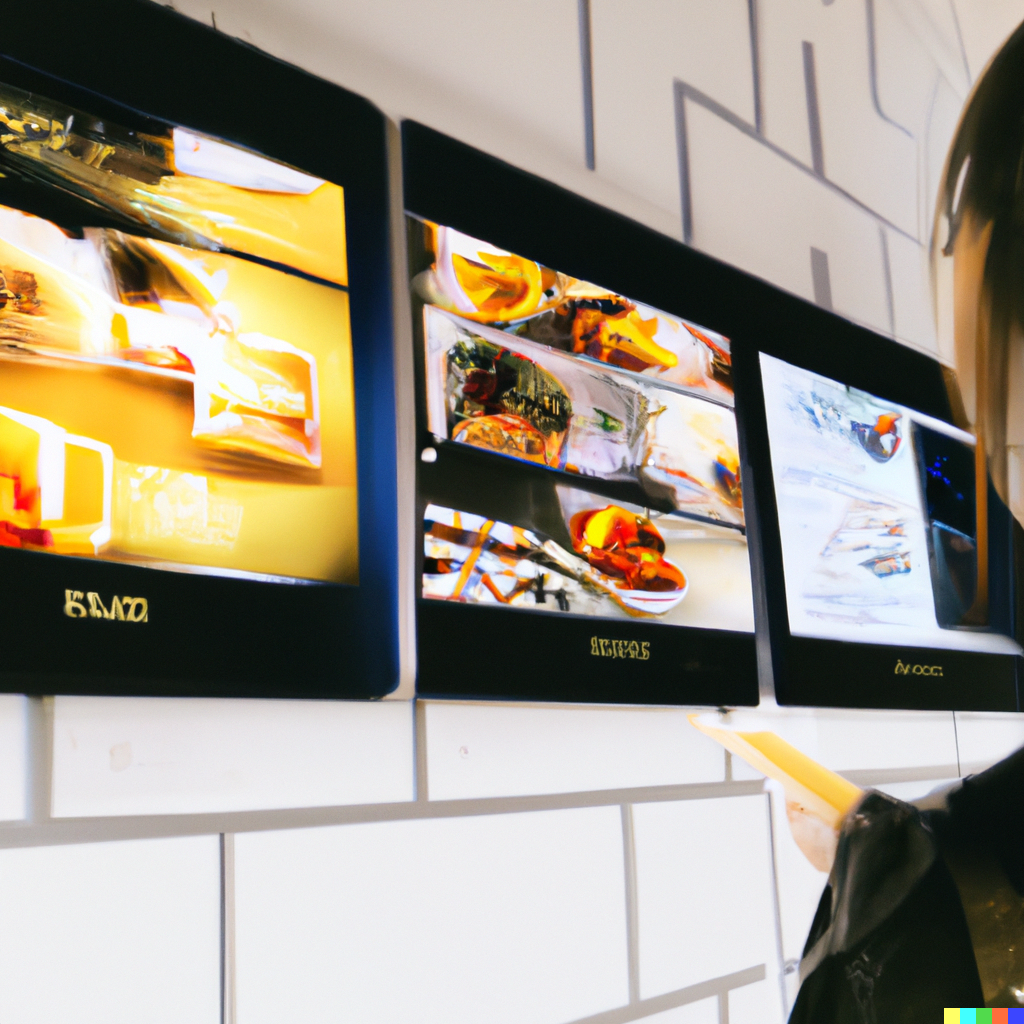
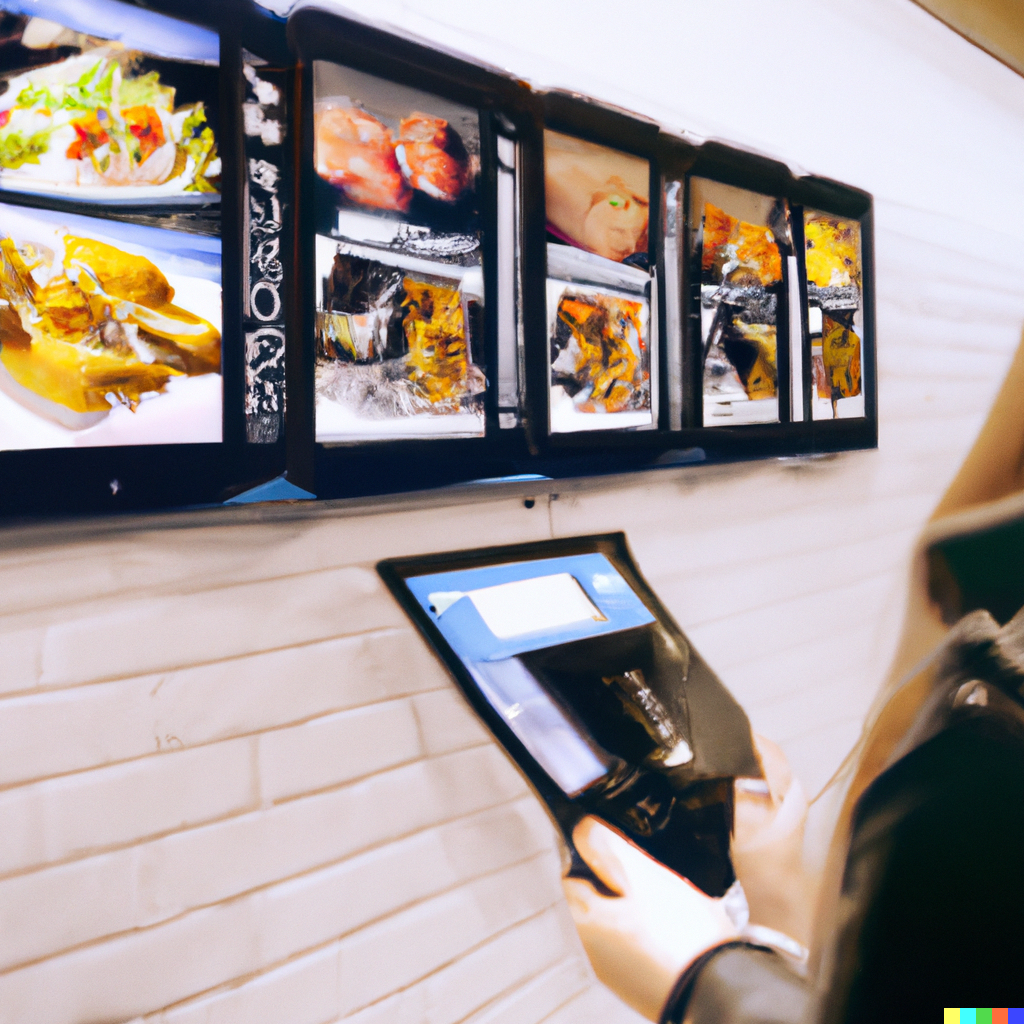
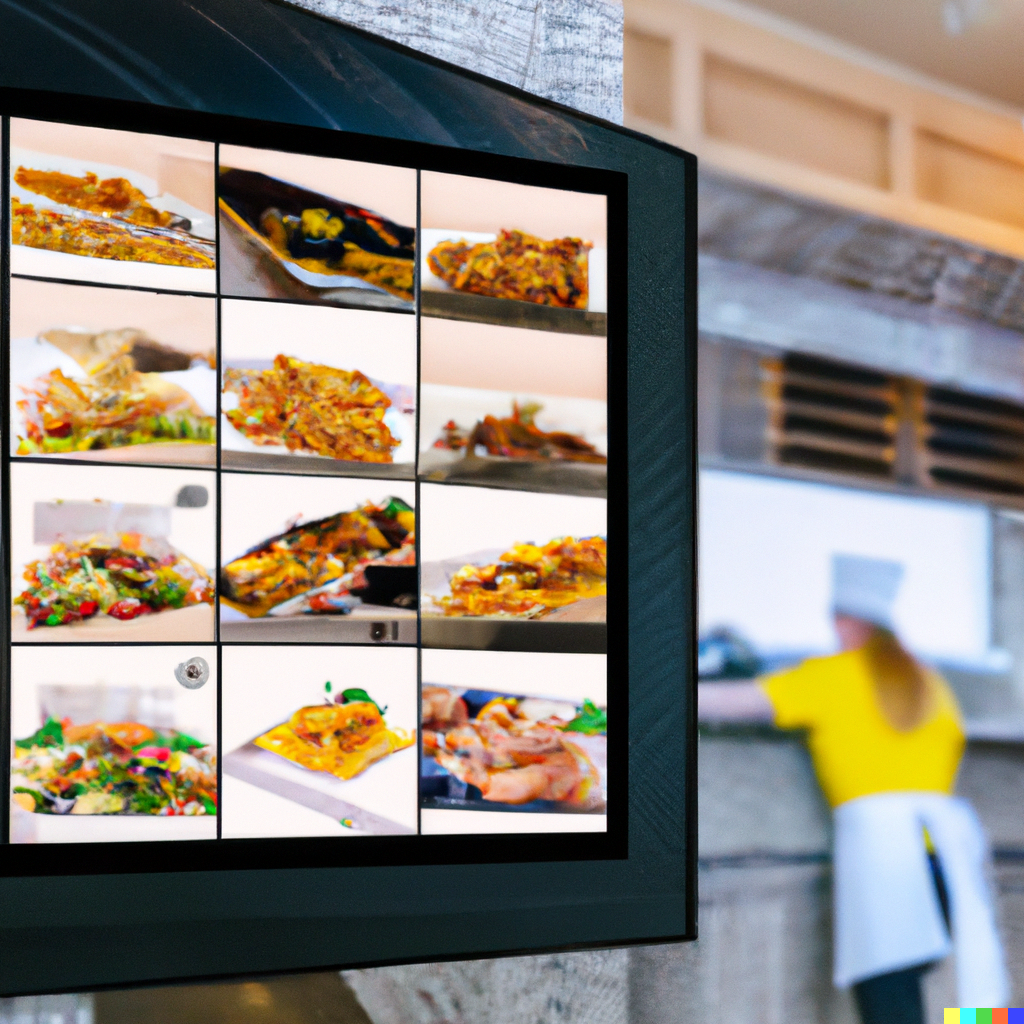
Digital menu board running on a wall-mounted TV
Pricing

Plans start at $7.95 a month

No setup fees, no contracts, no hardware lock-in — just pick the plan that fits your screen count.

Bronze

$7.95/mo

2 displays

Silver

$13.95/mo

5 displays

Most Popular

Gold

$24.95/mo

20 displays

Enterprise

$79.95/mo

100 displays

Compare all features
FAQs

What restaurant owners ask us most

How much does a digital menu board cost?

It starts at $7.95/mo for 2 displays (Bronze) — no setup fees, no contracts, and no extra hardware if you already have a Smart TV or media player. The 14-day trial lets you build and test before you pay.

Do I need special hardware?

No. It runs in any browser, so a Smart TV, Firestick, Android TV box, Roku with a browser, or a computer on a TV all work. Have a TV already? A $30–$50 media player is all you add.

How fast can I update prices or daily specials?

Instantly. Edit from your phone, tablet, or computer, hit save, and every screen refreshes within seconds — no TV app to install, no USB sticks to swap.

Can I schedule different menus for breakfast, lunch, and dinner?

Yes. Build a playlist per daypart — breakfast, lunch, dinner, late-night — and they switch on the schedule you set. Same goes for promos, happy hour, and seasonal specials.

Do I need design skills to build a menu board?

Nope. Pick one of 4 styles, fill in your items and prices, add your logo, and it lays out the rest. If you can fill out a form, you can build a menu board.

Will my menu board work on multiple screens at the same time?

Yes. Silver runs 5 displays, Gold 20, Enterprise 100 — all synced from one dashboard, so one edit updates every screen at once.

Retire the printed menu

Build your first board in 10 minutes. Two weeks free, no card.

Start My Free Trial

14-day free trial · No credit card · Cancel anytime

Explore More

Industries Running Menu Boards

Restaurants are first \u2014 but every business with a price list runs menu templates.