3 Simple Steps — Under 5 Minutes

How to Set Up
Digital Signage

Lobby TV, restaurant menu board, conference-room display — you can have polished signage running in minutes. Here’s the whole rundown.

Start Free 14-Day Trial
What You Need

Just Two Things to Get Started

No special hardware to buy, no install crew, no IT department.

1. A Screen

Any TV, monitor, or tablet with a browser — Smart TVs, Firestick, Android TV, Chromecast, Roku, even the old flatscreen in the break room. If it opens a web page, it works.

2. A Local Billboards Account

Grab a free 14-day trial, no card. You get dynamic templates, a fill-in-the-form editor, scheduling, and remote control from any device.

Step-by-Step

From Zero to Live in 3 Steps

01

Create Your Account & Pick a Template

Sign up at localbillboards.net and browse the template library — ready-made layouts for every industry:

  • Restaurant & café menu boards
  • Corporate lobbies & meeting rooms
  • Retail promotions & window displays
  • Church & school announcements
  • Real estate property showcases
localbillboards.net/create_temp/categories.php

Create New Content

Choose a Template

Message

Friends, family, employees

Announcement

Announce to your team

Reminder

Set a reminder

Social

Social media updates

Advertisement

Promote your brand

Upload

Images, videos, docs
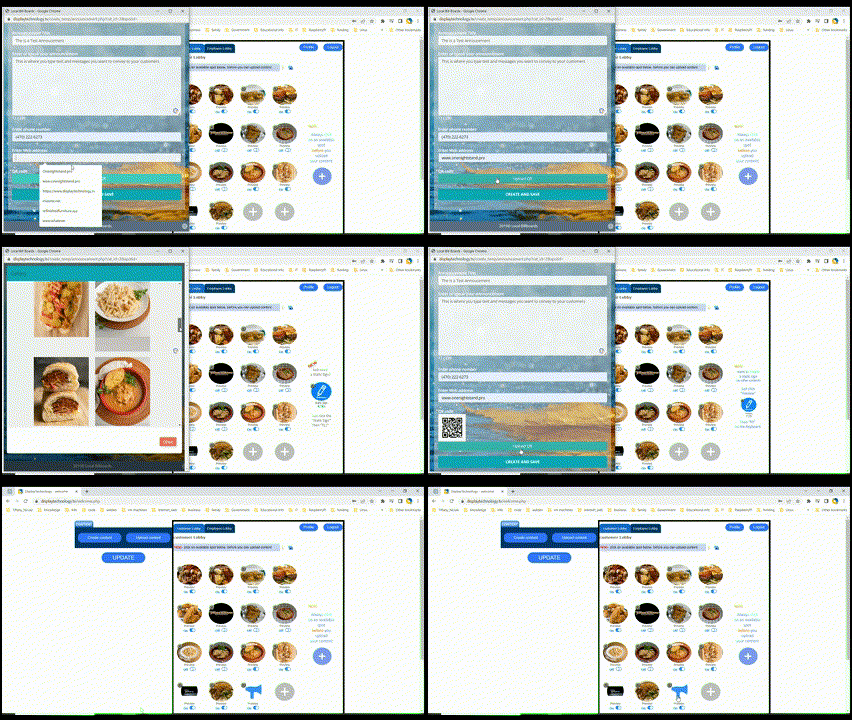
Customizing digital signage content
02

Add Your Content

The fill-in-the-blank editor keeps it simple: type your text, drop in your media, and it handles the design.

Text & Headlines

Type your message — prices, specials, announcements, hours

Images & Video

Upload your logo, photos, or video clips

Scheduling

Set times for content to appear — breakfast menu at 6 AM, lunch at 11 AM

03

Connect Your Screen & Go Live

Open the unique URL from your dashboard in the TV’s browser — that’s it, your sign is live. No app, no download.

Works with any internet-connected screen:
Smart TVs Amazon Firestick Android TV Chromecast Roku Tablets Any Web Browser
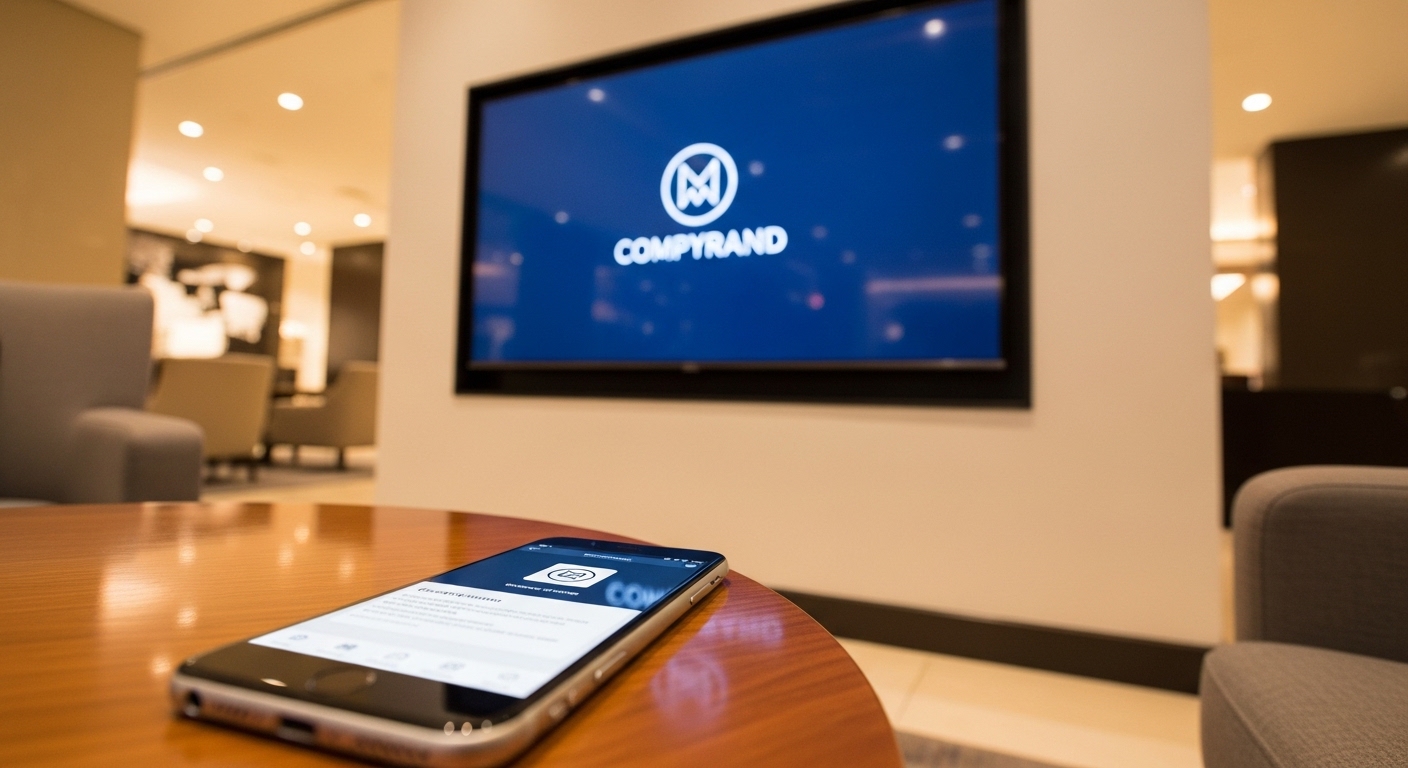
Digital signage display in modern lobby controlled from phone
What You Get

Everything Included With Your Account

No hidden fees, no upsells — every plan includes all of this.

Smart Templates

Industry layouts you customize with elements: RSS feeds, weather, time, QR codes, photos, animated images, and videos.

Remote Management

Update your signs from your phone, tablet, or laptop — anywhere in the world.

Content Scheduling

Schedule different content for different times of day, days of the week, or special events.

24/7 Uptime

Cloud-hosted with smart caching. Your screens keep running even if your internet drops.

Rich Media Support

Videos, images, PowerPoint, Google Docs, social feeds, maps, and web URLs.

Multi-Screen Network

Manage all your screens across multiple locations from a single dashboard.

Dedicated Support

Our team walks you through setup and is always available if you need help.

Real-Time Updates

Change a price, update an announcement, swap an image — it appears on screen instantly.

Already Have a TV?

Use What You Already Own

No need to buy a new display. If your TV gets online — built-in Wi-Fi or a streaming stick — it’s ready for signage.

Older TV with no browser? Plug in a cheap streaming device (a Firestick or Android TV box, around $30) and you’re set.

See TV / Display Setup Guide

Compatible Devices

Any Smart TV (Samsung, LG, Sony, Vizio, TCL, etc.)
Amazon Fire TV Stick
Android TV / Google TV
Google Chromecast
Roku
iPads & Android Tablets
Desktop or laptop with any web browser

14-Day Free Trial — No Credit Card Required

Try every feature risk-free and cancel anytime. After the trial, plans start at about $8 a month per screen.

Start My Free Trial Now
Common Questions

Setup FAQ

No — it all runs in the browser. Open the URL we give you in the TV’s browser and the sign starts playing. Nothing to download or install.

Definitely. Sign in from any phone, tablet, or computer, change something — like today’s special — and it hits the screen in real time.

Smart caching keeps screens going even offline. The last loaded content plays until the connection returns, so nothing goes blank.

No hard limit. One screen or 100 across locations, you run them all from one dashboard — add more as you grow.